Ever opened Instagram and felt like your feed makes no sense anymore?
Random posts.
Irrelevant reels.
Content you never wanted to see.
You’re not alone.
Millions of users are now searching how to reset Instagram feed — because the algorithm sometimes goes completely off-track.
But here’s the truth: You can reset your feed — if you know the right steps.
🔄 Can You Really Reset Instagram Feed?
Short answer:
✔ Yes — but not with one single button (for most users).
✔ Instagram now allows limited feed reset controls.
✔ You can manually retrain the algorithm.
The good news?
It’s easier than most people think.
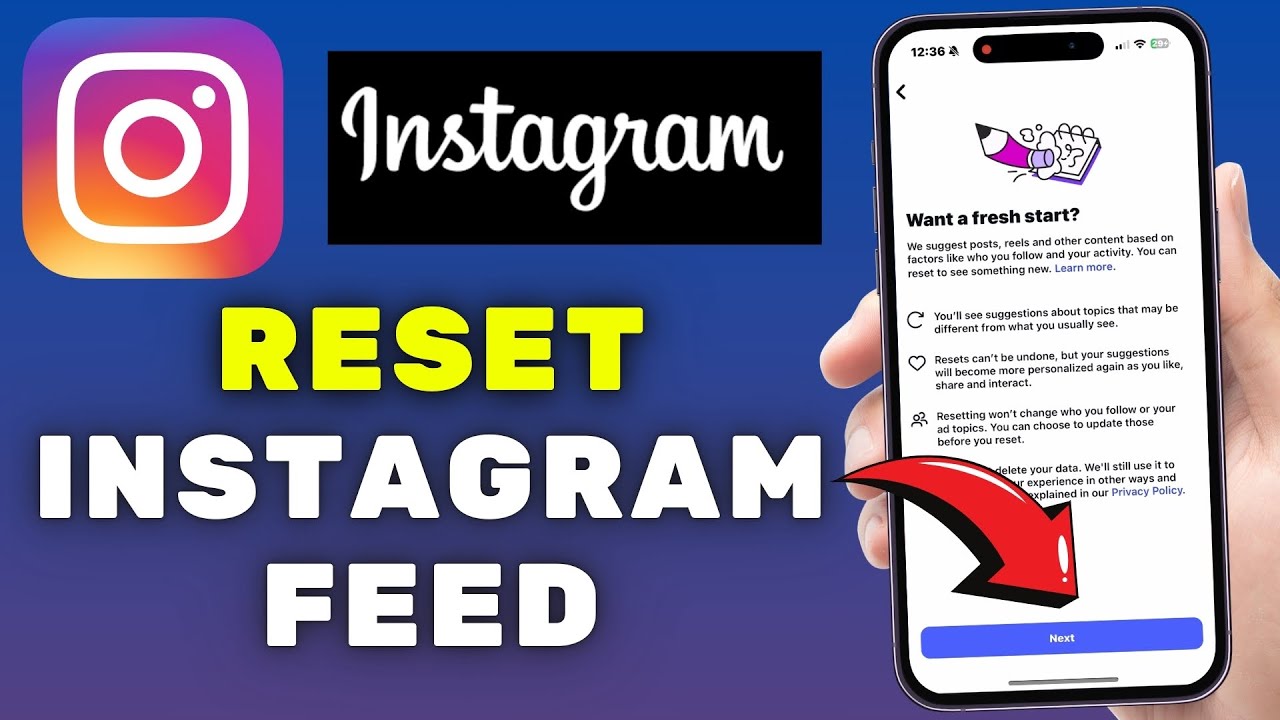
📱 Method 1: Use Instagram’s “Reset Suggested Content” Option
Instagram has started rolling out a reset feature.
Steps:
- Open Instagram
- Go to Settings
- Tap Content Preferences
- Select Reset Suggested Content
- Confirm reset
What happens next:
- Your Explore page resets
- Suggested posts refresh
- New content recommendations start fresh
This is the closest thing to a real reset.
⚡ Method 2: Clear Search History (Fast Fix)
Sometimes your searches confuse the algorithm.
Steps:
- Go to Instagram profile
- Tap menu (☰)
- Open Your Activity
- Tap Recent Searches
- Clear all searches
Result:
✔ Explore feed changes gradually
✔ Old interest signals weaken
🚫 Method 3: Tell Instagram “Not Interested”
This is one of the most powerful tricks.
Steps:
- Open unwanted post
- Tap three dots (…)
- Tap Not Interested
Repeat this for 10–20 posts.
The algorithm quickly adapts.
📊 Why Instagram Feed Gets Messed Up
Your feed changes based on:
✔ What you like
✔ What you watch longer
✔ What you search
✔ What you share
Even watching one random reel can confuse recommendations.
Yes — the algorithm remembers everything.
🔥 Why ‘Reset Instagram Feed’ Is Trending
Search spikes are happening because:
- People are seeing irrelevant content
- Spam reels are increasing
- Users want fresh recommendations
- Algorithm updates changed feed behavior
Feed frustration is real — and growing.
🧠 Pro Tip: Train Your Feed Like an Algorithm
After resetting, do this:
✔ Like only relevant posts
✔ Follow accounts you truly enjoy
✔ Avoid random clicking
✔ Save posts you love
Within 24–48 hours, your feed improves dramatically.
Final Take
Instagram doesn’t control your feed.
Your actions do.
Resetting your feed isn’t magic — it’s strategy.
And once you understand how the algorithm learns…
You control what you see.