
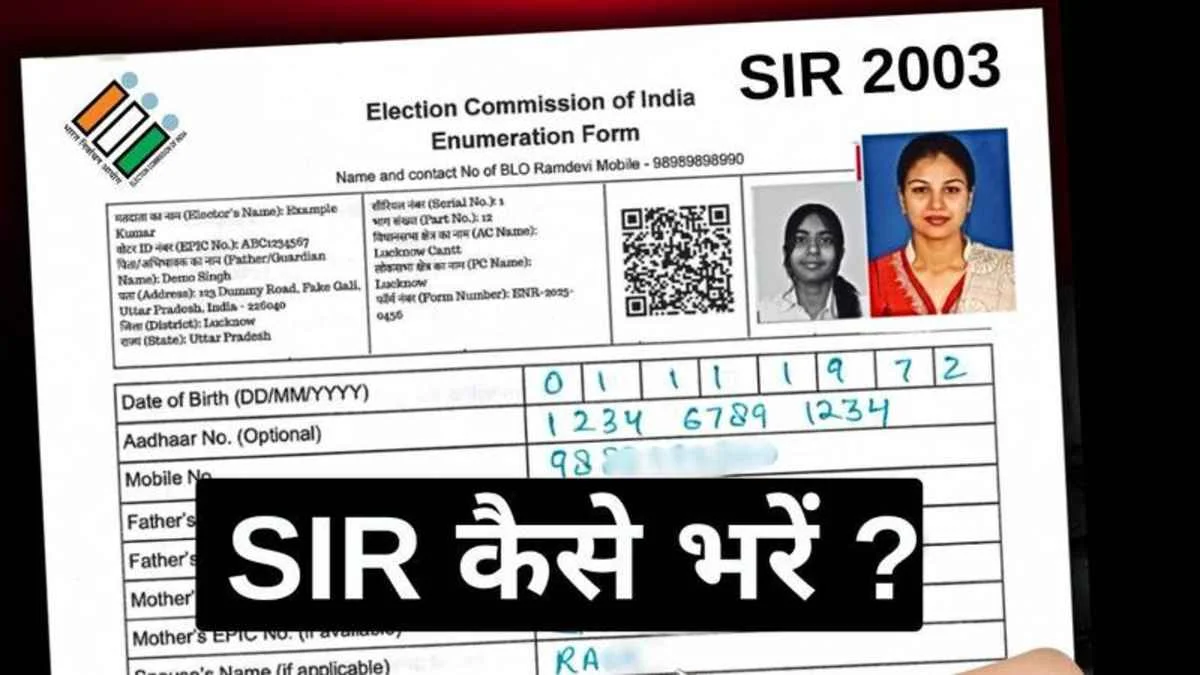
The Voter ID SIR Form is part of the Special Intensive Revision (SIR) process conducted by the Election Commission of India (ECI) to update electoral rolls. Citizens can use this form to add, correct, or update voter details online.
This guide explains how to fill the Voter ID SIR form online, documents required, eligibility, and common mistakes to avoid.
What Is Voter ID SIR Form?
The SIR (Special Intensive Revision) Form is used during special drives by the Election Commission to:
- Add new voters
- Correct existing voter details
- Update address or personal information
- Clean and verify electoral rolls
It is usually announced before major elections.
Who Can Fill the Voter ID SIR Form?
You can fill the SIR form if you:
- Are 18 years or above
- Are an Indian citizen
- Want to register as a new voter
- Need corrections in name, age, address, or photo
- Have shifted residence
Documents Required for Voter ID SIR Form
Keep these documents ready (any one from each category):
📄 Proof of Identity
- Aadhaar Card
- Passport
- PAN Card
- Driving Licence
🏠 Proof of Address
- Ration Card
- Electricity/Water Bill
- Bank Passbook
- Rent Agreement
📸 Photograph
- Recent passport-size photo (if required)
How to Fill Voter ID SIR Form Online (Step-by-Step)
Step 1: Visit the Official Voter Portal
Go to the Election Commission of India’s official voter portal (NVSP / Voters’ Service Portal).
Step 2: Login or Register
- Login using mobile number
- Verify with OTP
- New users must create an account
Step 3: Select the SIR Option
Choose the option related to:
- Special Intensive Revision
- New voter registration or correction
Step 4: Fill Personal Details
Enter details carefully:
- Full name
- Date of birth
- Gender
- Address
- Family details (if required)
Step 5: Upload Documents
Upload scanned copies or clear photos of:
- Identity proof
- Address proof
- Photograph
Ensure documents are readable.
Step 6: Review and Submit
- Check all details carefully
- Submit the form
- Note down the reference number
How to Track Voter ID SIR Application Status
- Visit the voter portal
- Select Track Application Status
- Enter reference number or mobile number
Offline Method to Fill SIR Form
If online filing is not possible:
- Visit your nearest Booth Level Officer (BLO)
- Fill the SIR form manually
- Submit photocopies of documents
Important Points to Remember
✔ Fill details exactly as per documents
✔ Mobile number must be active
✔ Submission does not guarantee approval
✔ Verification by BLO is mandatory
Common Mistakes to Avoid
❌ Uploading unclear documents
❌ Wrong date of birth
❌ Incorrect address
❌ Not tracking application status
FAQs – Voter ID SIR Form
Q. Is SIR form different from Form 6?
SIR is a special revision drive, while Form 6 is for regular voter registration.
Q. Is Aadhaar mandatory?
No, Aadhaar is optional but helpful.
Q. How long does approval take?
Usually 15–30 days, depending on verification.